
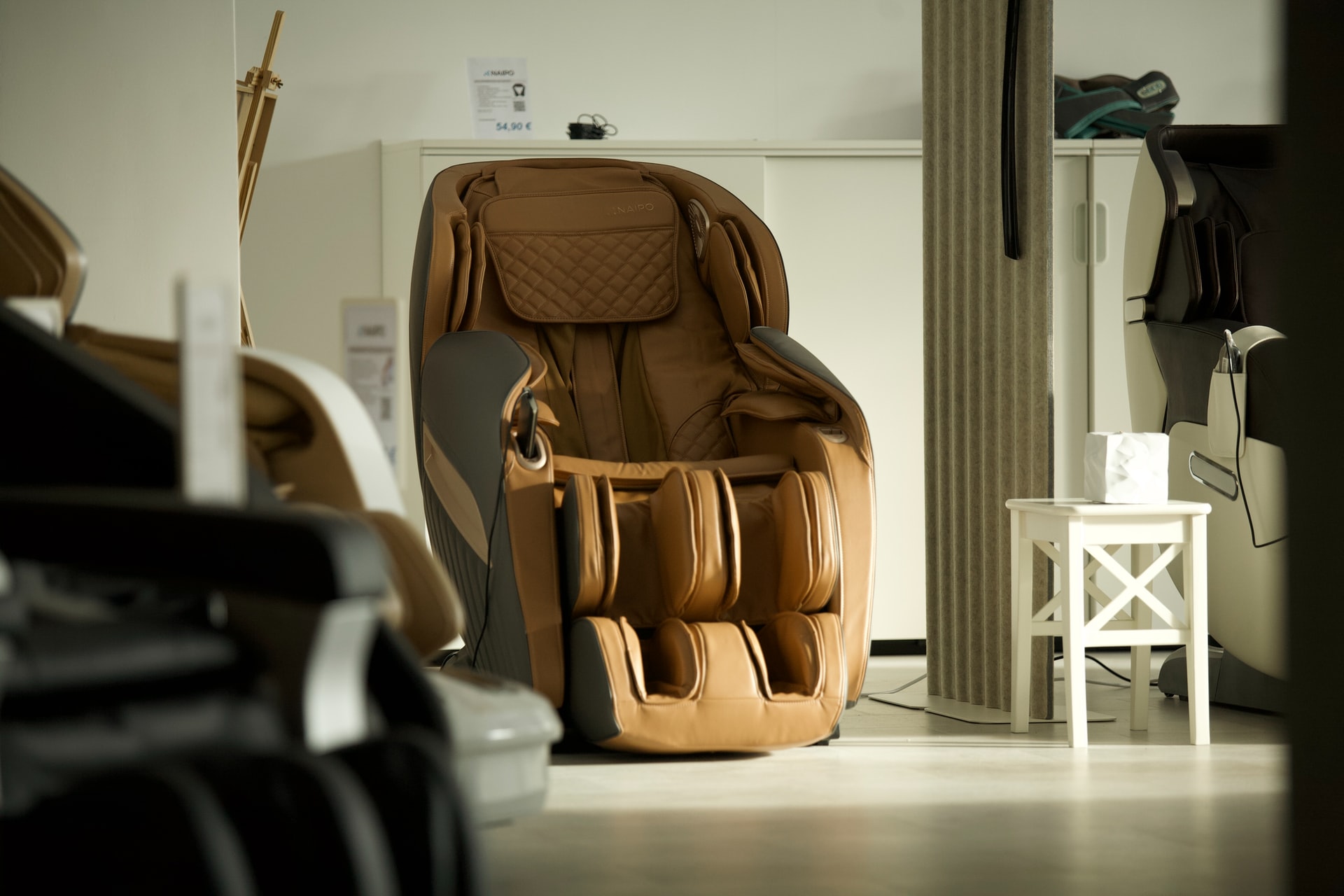

When it comes to buying a massage chair, you have many options. From the budget-friendly to the high-end luxurious models, there are plenty of choices that will suit your needs. This article is dedicated to helping you decide if an affordable chair is right for you or if you should splurge on a luxury model. Check out our top tips to choose the right massage chair for you:
Check Your Budget
 How much are you willing to spend? This is a crucial question that you need to ask yourself before shopping for the perfect chair. If you’re on the hunt for an affordable massage chair, below $500 will give you some options, but not all of them are guaranteed to be good quality. Here’s our favorite budget-friendly option! You may also want to check out how many massages you typically get in a year. If you go to a chair massage parlor, for example, this will give you an idea of how often you should buy one.
Buy the Right Massage Chair Type
There are several different types of chairs that provide various benefits depending on your needs and preferences. Here’s what kind is right for you:
- Shiatsu – These are some of the most popular chairs on the market. They use airbags to simulate pressure points and kneading motions that mimic a massage therapist’s hands. This type is particularly recommended for back pain sufferers due to its targeted treatment, which relieves tension in problem areas along your spine, but it can also be beneficial if you just want relaxation or an all-over body massage. Also, this type of chair is ideal if you want to buy one for your own home or office because they are compact and can be easily moved around the room.
- Recliner – If comfort is what you’re looking for, then a reclining model may better suit your needs. These chairs provide full back support and even elevate your legs to relieve pressure and tension. They also have a built-in heating function that great muscle pain relief, especially in the lower back area.
- Infrared – If you’re looking for something more high-end, an infrared chair will be what you want. These models use heat therapy by emitting far infrared rays that penetrate deep into muscles to relieve tension while relaxing you more than just regular massage chairs.
There are many other models out there, but these three types will give you an idea of what is available and how they work, so make sure you choose the right one for your needs.
Consider Your Space
How much room do you have? Will the massage chair fit where you want to put it? You can find chairs in all shapes and sizes, so choose one that matches your space. Many models are compact enough to be easily tucked away when not in use, but there is also a large range of sleek recliners that will look good with the rest of your furniture.
The Takeaway
We truly hope that this article helped you to realize that buying a massage chair is not as daunting of a task as it might seem. Once you understand what type would best suit your needs and which features are the most important, finding one will be easy! Just remember our top tips when choosing: check your budget, consider your space and buy the right model for you.

 SuperLive Plus connects to various types of DVRs and IP cameras, allowing users to stream live video, take snapshots, and playback recordings. With multi-channel viewing capabilities, users can monitor multiple camera feeds at once—making it ideal for both residential and commercial setups. The app also supports motion detection alerts and PTZ (pan-tilt-zoom) camera controls, giving users the flexibility to stay informed and take action if needed. Its real-time video feed quality is one of its standout features. Whether connected via Wi-Fi or cellular data, the app offers clear and consistent footage with minimal lag. This helps ensure that users don’t miss any critical moments. Moreover, SuperLive Plus lets users organize cameras into groups, rename channels, and adjust streaming quality based on bandwidth—adding to the app’s overall versatility.
 SuperLive Plus offers a powerful and
 It is crucial to research and read reviews before selecting a web hosting service provider. Different platforms can be helpful in this regard, as they compile customer feedback on various companies. Choose a provider that has a good reputation and is known for providing quality services. It will help ensure that you’re happy with your choice and won’t have to switch providers down the road.
 When choosing a web hosting provider, it’s essential to consider how much storage and bandwidth they offer. It will give you an idea of how much space your website will have and how many visitors it can accommodate. In addition, be sure to ask about the average load time for their servers. By following these tips, you’ll be able to find the perfect web hosting provider for your business.

 Behind every great website is a great navigation system. It’s what helps the user find their way around your site and leads them to the right page quickly and easily. Intuitive navigation should be easy to use but also flexible enough to accommodate any changes you might make in the future. Good navigation can even help create stronger relationships between users and brands – people like it when they don’t have to think too hard about finding what they’re looking for.